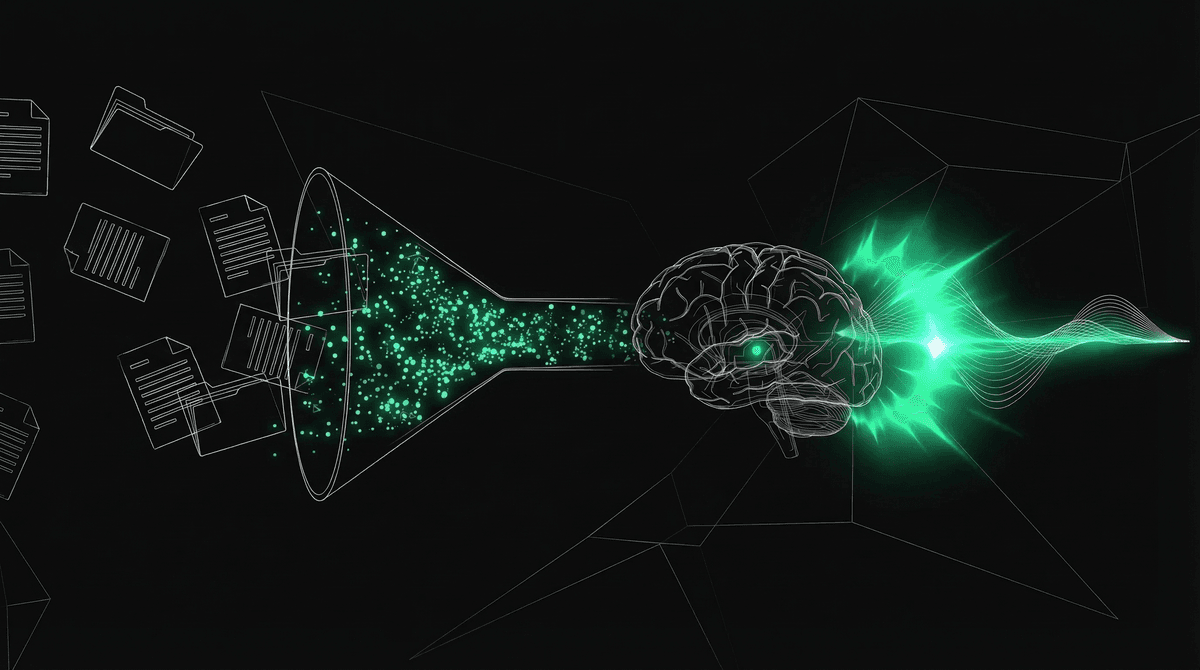
RAG Explained — How to Give AI a Memory It Doesn't Have
An LLM knows what was in its training data. Nothing else. RAG fixes this — retrieve relevant documents, insert into the prompt, generate a grounded response. The most important pattern in production AI.
An LLM knows what was in its training data. Nothing else.
It doesn't know your company's internal documents. It doesn't know what happened last week. It doesn't know your patient records, your product catalog, your legal contracts, or your SOPs.
RAG (Retrieval-Augmented Generation) fixes this. It's the most important architectural pattern in production AI, and it's simpler than most people think.
The Core Idea
RAG has three steps:
1. RETRIEVE  - Find relevant documents from your data
2. AUGMENT   - Insert those documents into the LLM's prompt
3. GENERATE  - LLM generates a response grounded in the retrieved documents
That's it. The LLM doesn't "learn" your data. It doesn't "search" your data. Your retrieval system finds relevant documents and physically inserts them into the prompt. The LLM reads them and generates a response as if it always knew that information.
Step 1: Make Your Documents Searchable
Chunking
Your documents need to be broken into chunks — manageable pieces that can be individually retrieved.
A 50-page PDF can't be inserted into a prompt in its entirety. But the specific paragraph that answers the user's question can. Chunking is how you get from "entire document" to "relevant paragraph."
Fixed-size chunking: Split every 500 tokens with 50-token overlap. Simple. Fast. But splits might occur mid-paragraph or mid-sentence, breaking semantic coherence.
Document: "The patient's medication includes metformin 500mg twice daily.
           This should be taken with meals to reduce GI side effects.
           Blood glucose should be monitored weekly during the first month."

Chunk 1: "The patient's medication includes metformin 500mg twice daily.
           This should be taken with meals to reduce GI side effects."

Chunk 2: "This should be taken with meals to reduce GI side effects.
           Blood glucose should be monitored weekly during the first month."
The overlap ensures that information at chunk boundaries isn't lost.
Semantic chunking: Split at natural boundaries — paragraph breaks, section headers, topic changes. This preserves semantic coherence but produces variable-size chunks.
Sentence-based chunking: Group 3-5 sentences per chunk. Good balance between granularity and coherence.
Recursive chunking: Split by headers first, then paragraphs within sections, then sentences within paragraphs. Creates a hierarchical structure that can be navigated at different granularity levels.
Embedding
Each chunk needs to be converted into a vector (a list of numbers) so it can be searched mathematically.
"metformin 500mg twice daily with meals"
    -> embedding model
    -> [0.23, -0.87, 0.45, 0.12, ..., -0.33]  (768-1536 dimensions)
The embedding captures the chunk's meaning, not just its words. Chunks with similar meanings end up as similar vectors, even if they use different words.
"The patient takes metformin" and "Metformin is prescribed to the individual" produce similar vectors. This is why embedding search finds relevant results even when the user's question uses different words than the document.
Embedding models:
| Model | Dimensions | Quality | Notes |
|---|---|---|---|
| OpenAI text-embedding-3-large | 3072 | Excellent | Best general-purpose. Expensive at volume. |
| OpenAI text-embedding-3-small | 1536 | Very good | Good balance of quality and cost. |
| Cohere embed-v3 | 1024 | Excellent | Strong multilingual. |
| Voyage AI voyage-3 | 1024 | Excellent | Best for code retrieval. |
| BGE-M3 | 1024 | Very good | Open source. Self-hostable. |
| all-MiniLM-L6 | 384 | Good | Tiny, fast, free. Good for prototyping. |
Vector Storage
The embedded chunks need to be stored in a database that supports vector similarity search.
Vector databases:
| Database | Type | Best For |
|---|---|---|
| Pinecone | Managed cloud | Simple setup, scale automatically |
| Weaviate | Self-hosted or cloud | Advanced filtering + vector search |
| Qdrant | Self-hosted or cloud | Performance, Rust-based |
| ChromaDB | Embedded (in-process) | Prototyping, small datasets |
| pgvector | PostgreSQL extension | Already using Postgres |
| Supabase | Managed Postgres + pgvector | Already using Supabase |
For most production systems, pgvector (if you already use PostgreSQL) or Pinecone (if you want managed) is the right choice. You don't need a dedicated vector database unless you have millions of chunks.
Step 2: Retrieve
When the user asks a question:
- Embed the query using the same embedding model
- Search the vector database for the K most similar chunks (typically K = 3-10)
- Return the chunks ranked by similarity
query = "What medication is the patient on?"
query_vector = embed(query)

results = vector_db.search(
    vector=query_vector,
    top_k=5,
    filter={"patient_id": "P12345"}  # optional metadata filter
)

# Results: top 5 chunks most similar to the query
The similarity metric is typically cosine similarity — the cosine of the angle between two vectors. Values range from -1 (opposite meaning) to 1 (identical meaning). In practice, relevant chunks score 0.7-0.95 and irrelevant ones score below 0.5.
Metadata Filtering
Vector similarity alone isn't always enough. You might want to:
- Only search documents from a specific patient
- Only search documents from the last 30 days
- Only search a specific document type (lab results, not intake forms)
Most vector databases support metadata filtering alongside vector search. Each chunk is stored with metadata (patient_id, date, document_type). The search query includes both a vector (for semantic similarity) and filters (for metadata constraints).
results = vector_db.search(
    vector=query_vector,
    top_k=5,
    filter={
        "patient_id": "P12345",
        "document_type": "lab_results",
        "date": {"$gte": "2026-01-01"}
    }
)
This finds the 5 lab result chunks from patient P12345 since January 2026 that are most semantically similar to the query.
Step 3: Augment and Generate
The retrieved chunks are inserted into the LLM's prompt:
System: You are a healthcare assistant. Answer based ONLY on the
provided context. If the context doesn't contain the answer, say so.

Context:
---
[Chunk 1] The patient's medication includes metformin 500mg twice daily.
This should be taken with meals to reduce GI side effects.
---
[Chunk 2] Lab results from March 15: HbA1c 6.8%, fasting glucose 142 mg/dL.
---
[Chunk 3] Patient has known allergy to sulfa drugs. Documented January 2026.
---

User: What medication is the patient on and are there any allergies I should know about?
The LLM reads the context and generates a response grounded in the retrieved chunks:
"The patient is on metformin 500mg twice daily, taken with meals. They have a documented allergy to sulfa drugs (noted January 2026)."
The LLM didn't "know" this information. It read it from the prompt. The retrieval system found the right chunks. The LLM synthesized them into a coherent answer.
The Full Pipeline
INDEXING (one-time, or periodic refresh)
  Documents -> Chunk -> Embed -> Store in vector DB

QUERY (every user question)
  User question -> Embed -> Search vector DB -> Top K chunks
  -> Insert chunks into prompt -> LLM generates answer
That's RAG. Everything else is optimization.
Why RAG Beats Alternatives
vs. Fine-Tuning
Fine-tuning trains the model on your data. The model's weights change. But fine-tuning:
- Doesn't guarantee factual recall (the model might still hallucinate "remembered" facts)
- Is expensive to update (new data requires re-training)
- Can degrade the model's general capabilities
RAG is dynamic. Add a new document to the vector database and it's immediately searchable. No retraining. No model degradation. The source of truth is always the retrieved document, not the model's memory.
vs. Stuffing Everything in Context
Why not just put all your documents in the LLM's context window? Gemini offers 1 million tokens. Just load everything.
Three problems:
- Cost. Processing 1M tokens on every query is expensive ($3-10 per query).
- Latency. More tokens = slower time-to-first-token.
- Attention degradation. The LLM pays less attention to information in the middle of long contexts. A critical fact at position 500,000 might be functionally invisible.
RAG solves all three. You only retrieve the relevant chunks (small context, low cost, fast response) and place them near the end of the prompt (high attention zone).
Practical Implementation
A minimal RAG system in Python:
from openai import OpenAI
import chromadb

client = OpenAI()
db = chromadb.Client()
collection = db.create_collection("docs")

# Index documents (one-time)
def index(documents):
    for i, doc in enumerate(documents):
        chunks = chunk_text(doc, size=500, overlap=50)
        for j, chunk in enumerate(chunks):
            embedding = client.embeddings.create(
                input=chunk,
                model="text-embedding-3-small"
            ).data[0].embedding

            collection.add(
                ids=[f"doc_{i}_chunk_{j}"],
                embeddings=[embedding],
                documents=[chunk]
            )

# Query
def ask(question):
    query_embedding = client.embeddings.create(
        input=question,
        model="text-embedding-3-small"
    ).data[0].embedding

    results = collection.query(
        query_embeddings=[query_embedding],
        n_results=5
    )

    context = "\n---\n".join(results["documents"][0])

    response = client.chat.completions.create(
        model="gpt-4o",
        messages=[
            {"role": "system", "content": f"Answer based on this context:\n{context}"},
            {"role": "user", "content": question}
        ]
    )

    return response.choices[0].message.content
40 lines. Full RAG pipeline. ChromaDB runs in-process (no separate server). OpenAI handles embedding and generation. This is production-viable for small to medium datasets.
Summary
RAG is the pattern that makes LLMs useful for private, current, domain-specific information:
- Chunk your documents into searchable pieces
- Embed each chunk into a vector
- Store vectors in a searchable database
- Retrieve the most relevant chunks for each query
- Insert retrieved chunks into the LLM's prompt
- Generate a grounded response
The LLM doesn't learn your data. It reads it on demand. The retrieval system finds what's relevant. The LLM synthesizes it into an answer.
Next post: when this breaks. And it breaks more often than you'd expect.
This is post 17 of the AI Engineering Explained series.
Next post: When RAG Fails — bad chunking, embedding mismatches, the model ignoring retrieved context, and why GraphRAG exists.